Translations
- General
If using WordPress backend in a language other than English, here’s how to translate all backend strings (labels, settings, descriptions in the builder, admin pages & default settings) in BricksExtras into any language.
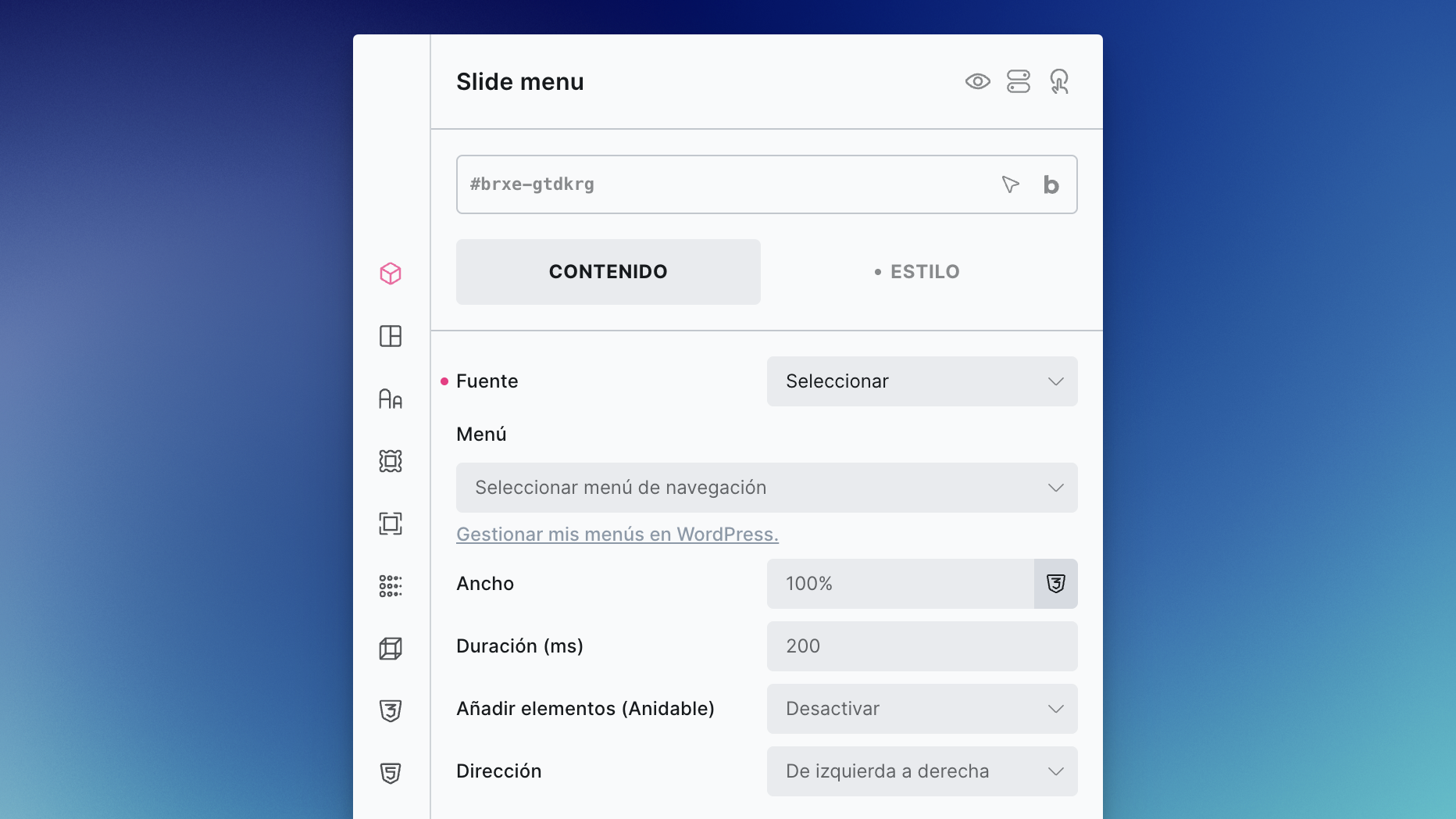
The vast majority of labels for BricksExtras (style options, commonly shared settings, WP terminology) will automatically use the built-in translations, so you may only want to translate a few remaining BricksExtras-specific labels & descriptions into your chosen language on the elements being used in your project.
Note: This will translate labels & descriptions for settings found in the builder, the admin pages, and the built-in default labels & placeholders, not for translating user content (this is where a translation plugin would be used, PolyLang, etc)
Here are two options, the first using a plugin and the second via a child theme.
Using Loco Translate
Loco Translate is a free WordPress plugin that makes translating plugins quite easy.
Start Your Translation
- Go to Loco Translate → Plugins in your WordPress admin
- Find and click on BricksExtras
- Click the “New language” button
- Select your language from the dropdown (e.g., German, French, Spanish)
Translate
- There’ll be an option to ‘auto’ translate using AI, or underneath there’ll be list of all translatable strings for labels, descriptions within the builder and admin pages.
- Click on any string to translate it
- Enter your translation in the text box
- Click “Save” at the top when you’re done
Tips:
- You don’t need to translate everything at once (most of the labels may be for features you’re not using)
- Focus on the strings you see most often in the builder on the elements being used.
- Use the search box to find specific strings
- Untranslated strings will display in English
Clear Cache
If you’re using a caching plugin, clear your cache to see the translations immediately.
Alternative: Using Poedit + Child Theme
If you prefer translations bundled with a child theme:
- Download the bricksextras.pot file (we’ll keep gist link updated)
- Open in Poedit and choose to create a new translation from the POT file
- Save the
.poand.mofiles to/wp-content/themes/your-child-theme/languages/ - Name them:
bricksextras-{locale}.po(e.g.,bricksextras-de_DE.po) - Add to your child theme functions.php the code below..
add_action( 'after_setup_theme', function() {
  load_plugin_textdomain( 'bricksextras', false, get_stylesheet_directory() . '/languages' );
}, 20 );