Gallery
- General
- Support FAQ
This extension to Bricks’ Query Loop allows for easily looping through images from a gallery, ACF gallery field / Metabox Advanced Images, JetEngine Gallery field etc. This makes it possible to create nestable galleries, which can take advantage of Bricks’ flex/grid options or inside sliders for creating any layouts.
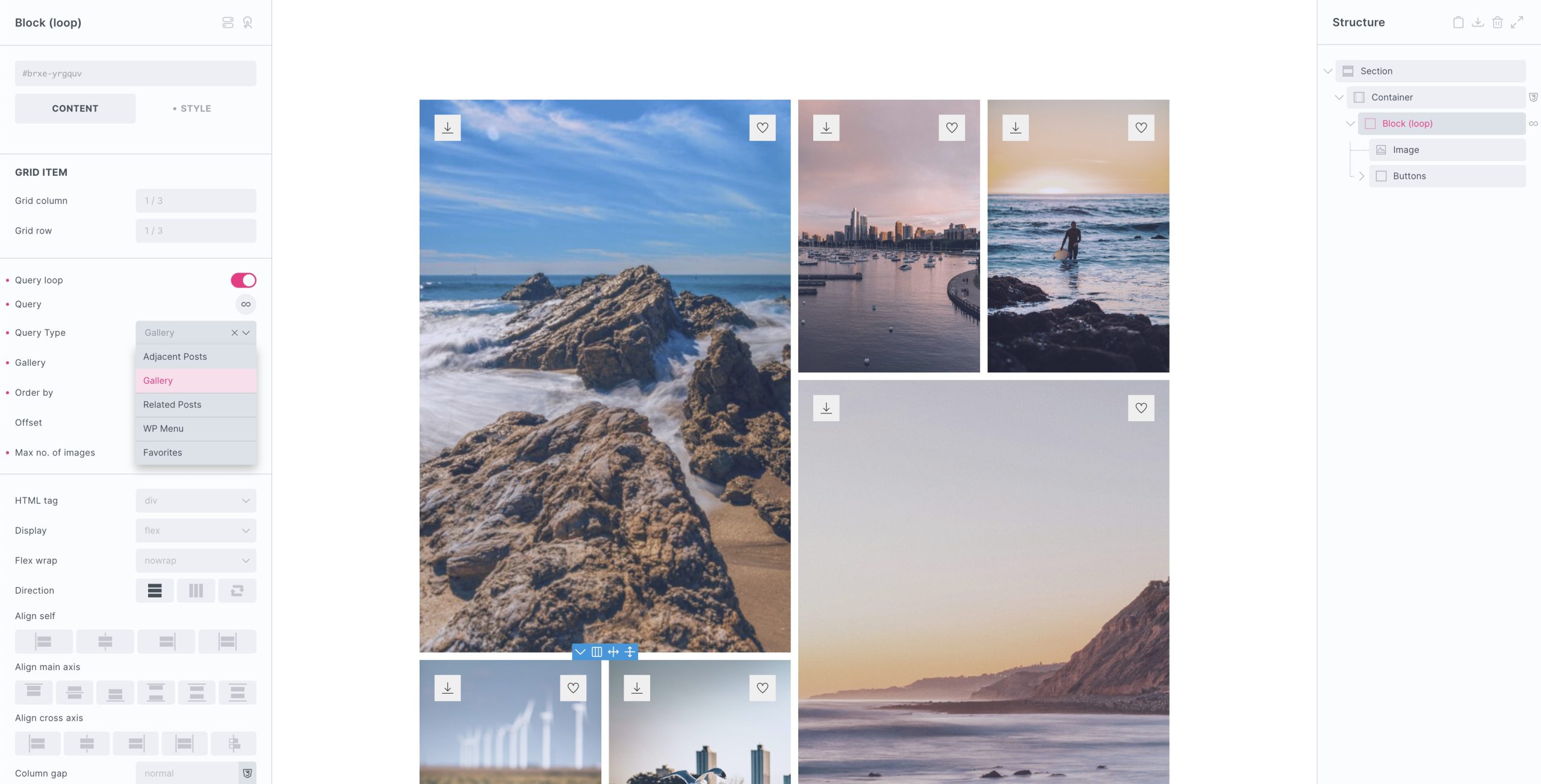
Query type – Select ‘Gallery’ from the Extras query type options and add in the dynamic data tag for your image gallery (acf_gallery) for example.
After adding in the query loop & your dynamic tag for the gallery data. Insert Bricks’ image element to display the individual images with post_id (wrapped in curly braces) as the image source (set the image size in the image element settings).
Order by – Choose to order the images differently to how they appear in the gallery. Published date, modified date, random,..
Offset – Set an offset to remove the first X number of images.
Max no. of Images – Set a maximum limit to the number of images displayed from the gallery.
Dynamic Tags
Once you’ve looped through the images, there are new dynamic tags available that can be used inside of the loop to display data from the attachment images in the gallery.
x_attachment_alt_text – Displays the attachment alt text
x_attachment_title – Displays the attachment title
x_attachment_url – Displays the attachment image URL
x_attachment_description – Displays the attachment description
x_attachment_caption – Displays the attachment caption text
AJAX Pagination (v1.6.4+)
With BricksExtras v1.6.4+ (and Bricks v2.2), it’ll be now possible to add pagination to your gallery query loop.
Simply use Bricks’ pagination element along side the query loop, as you would with a typical post query loop. The ‘maximum images’ will still control the maximum images that are output, set the ‘items per page’ to allow for pagination. To enable AJAX, do so inside the pagination element.